link me!
CT!


Selling at!



Stormlight on FB

oh, the places you'll go!










my PSP homes


Monday, March 31, 2014

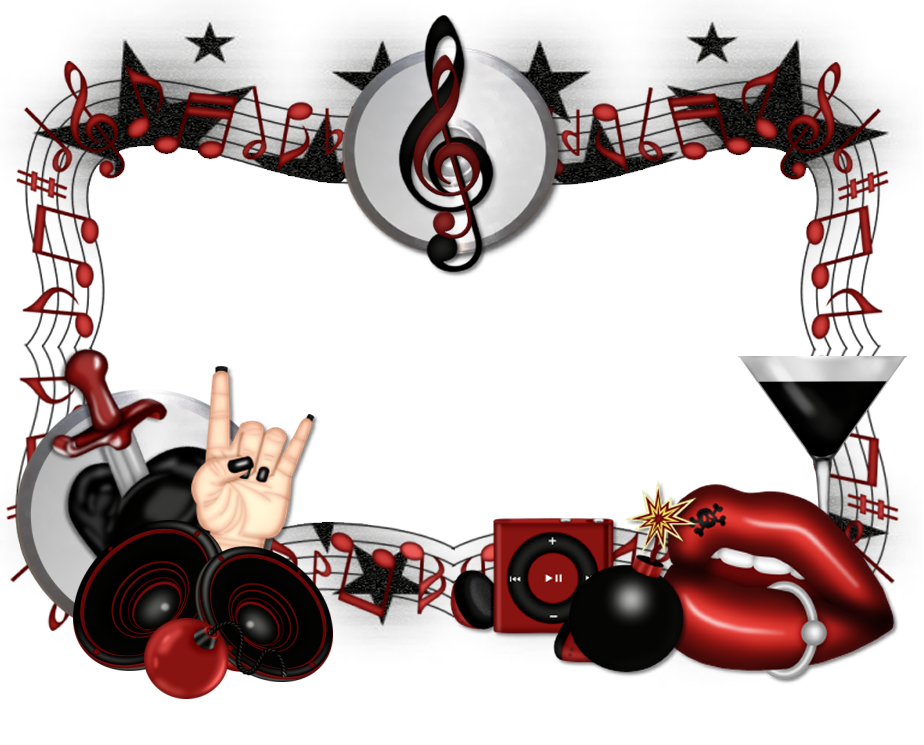
I'm in a rock mood again, so I have a new set of clusters for you. These were made
from MistyLynn's "Rebel Rider" kit and you can purchase this kit
here.
right click the clusters below to save!

Sunday, March 30, 2014
I am back after a short hiatus to get my computer upgraded to Windows 7. (still trying to figure out which end is up on this thing :P)
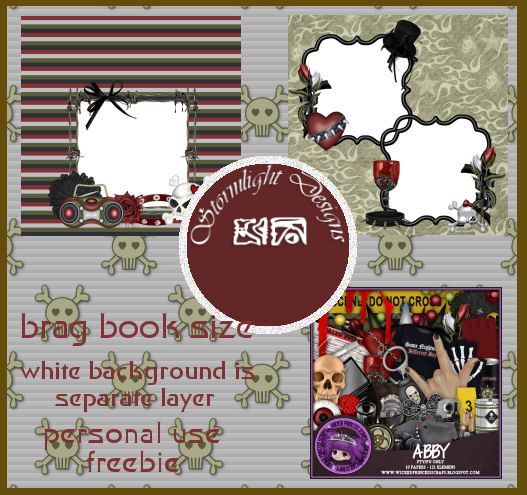
today, I have a new quick page set ready for you. this one is from Wicked Princess' fabulous "Abby" kit, which is made to match an equally awesome Abby tube by Freya Langford-Sidebottom. NCIS fans, this kit (and tube) is definitely up your alley!
you can purchase this kit here.
and you can grab the quick pages HERE!
Sunday, March 23, 2014
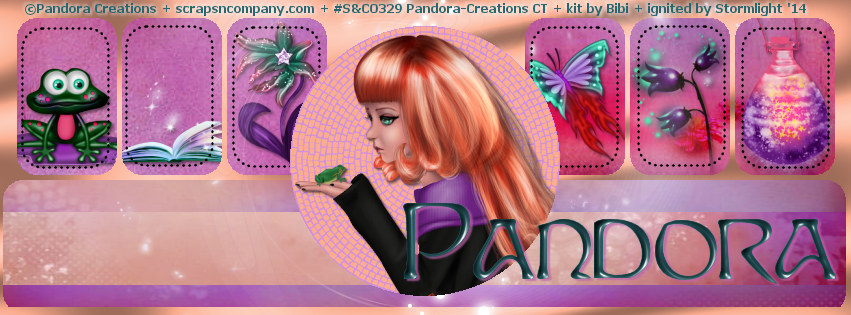
NOTE: you MAY link to this tut. you MAY print it out for later use offline. you MAY NOT claim it as yours or take anything else from it. this tutorial is ©Ruby/Stormlight, written February 14, 2014.
Supplies needed:
-- PSP
-- main tube of choice (I used Pandora's sweet tube "Make A Wish", available at S&CO.)
-- made-to-match scrap kit by Bibi's Collection of the same name, also available at S&CO.
-- template of choice. (Millie has tons of great Facebook cover templates. check out her blog for the selection! for this tut, I chose cover template #45)
-- the plugins Tramages (Mo' Jellyfish), Xenofex (Classic Mosaic), and EyeCandy 4000 (Bevel Boss).
-- the plugins Tramages (Mo' Jellyfish), Xenofex (Classic Mosaic), and EyeCandy 4000 (Bevel Boss).
-- Jazzy's "basic" drop shadow setting of 2, 2, 50, 3 and color black.
-- font of choice. I used Sprite.
-- font of choice. I used Sprite.
Friday, March 21, 2014

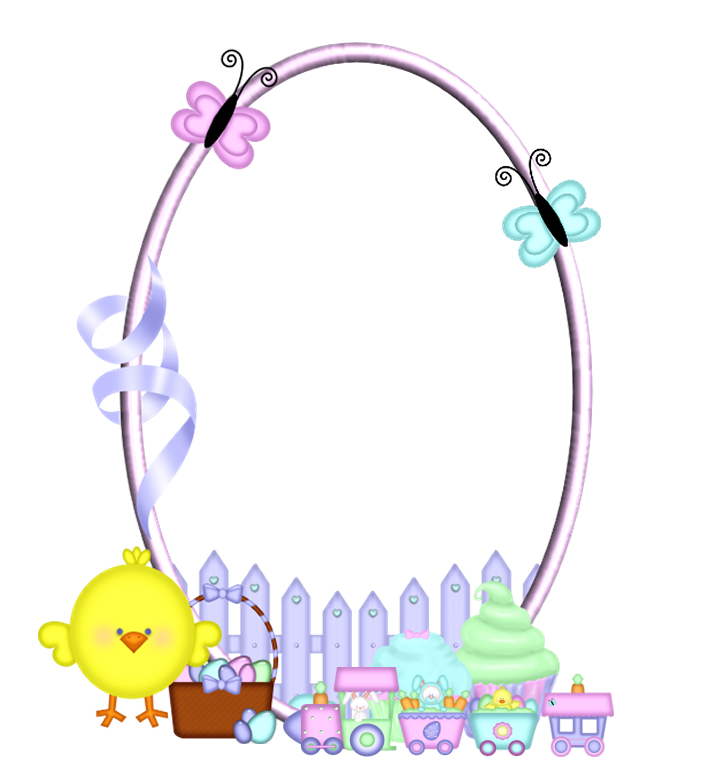
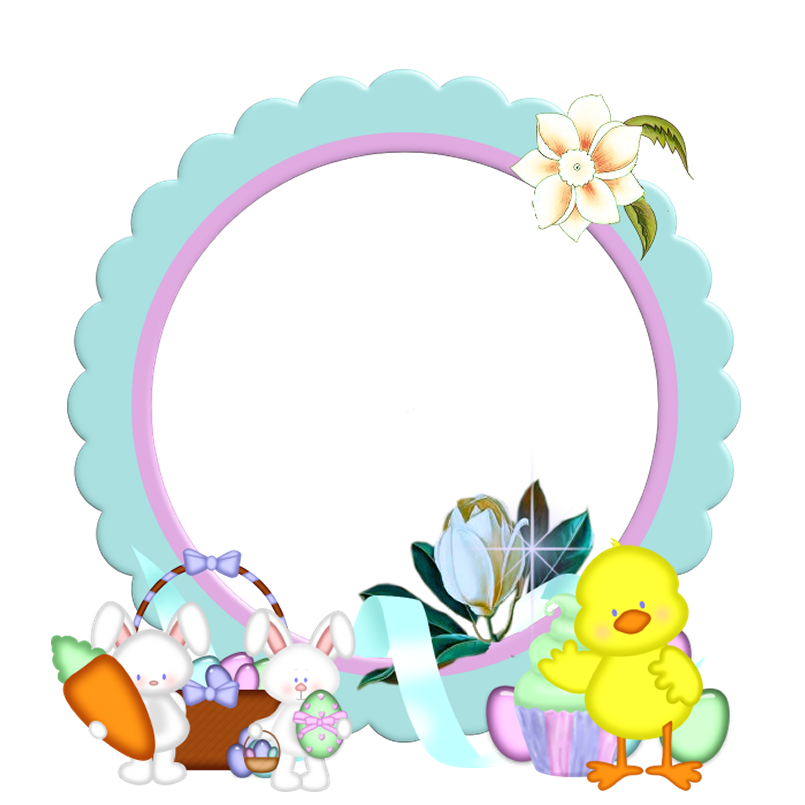
Get your Easter tags going with this new pair of clusters. They were made from MistyLynn's "Easter Goodies" kit and you can purchase this kit here.
Right click to save the clusters below!
Sunday, March 16, 2014
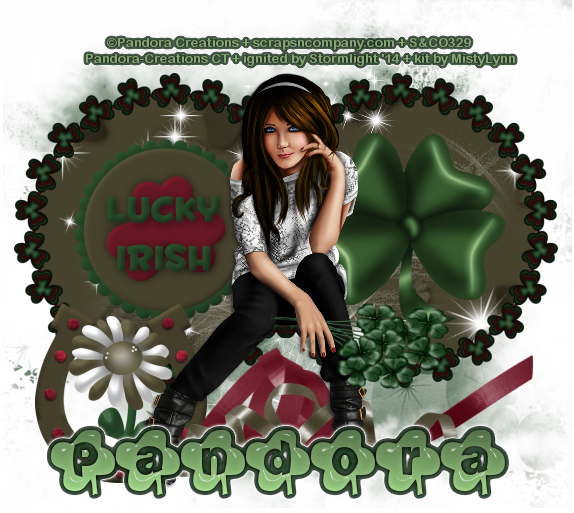
NOTE: you MAY link to this tut. you MAY print it out for later use offline. you MAY NOT claim it as yours or take anything else from it. this tutorial is ©Ruby/Stormlight, written March 16, 2014.
Supplies needed:
-- PSP
-- main tube of choice (I am using Helen by the phenomenal Pandora. You can find her for purchase at S&CO.)
-- scrap kit of choice. (I am using "Lucky Clover" by MistyLynn. you can also purchase this kit here.) -- the plugin EyeCandy 4000 (Glass and Gradient Glow).
-- Jazzy's "basic" drop shadow setting of 2, 2, 50, 3 and color dark green or black.
-- mask of choice. I used a mask from a Creative Misfits collection. hop over to their blog to get tons of great ones.
-- font of choice. I used Lucky.
1. Open a new canvas 600x600.
2. Choose a patterned paper from your scrap kit (if using the same kit I am, I chose paper06). Paste it into your canvas.
3. Choose a frame from your kit (if using the same kit, the frame I chose is element37). Paste into your canvas. Resize 55% smart size, duplicate and mirror the copy. Merge the frames together.
4. Click outside the frames layer with your magic wand. Go to selections > modify > expand > expand by 3. Hit your delete key.
5. Copy and paste in your tube. If it is large like mine, you may need to resize it. I resized mine to 45% bicubic. Position so she is sitting/leaning against the frames.
6. Select a solid color paper from your kit (if using the same kit, it is paper08). Paste as the bottom layer.
7. Apply your mask as a new layer to the solid color paper. Merge group in your layer palette.
8. Time for some elements. Numbers apply to the scrap kit I'm using so if you're using a different one, use the elements of your choice. All elements are resized with the smart size setting. Remember to apply Jazzy's basic drop shadow after each element is placed unless otherwise marked:
36 (clover) - 50% - place inside one of the frame circles
27 ("Lucky Irish" button) - 50% - place inside other frame circle
59 (horseshoe) - 50%
17 (flower) - 40%
60 (clover bouquet) - 45% [optional: if your chosen tube has an open hand, you can position this element and then use your freehand selection tool to make it look like the bouquet is being "held".]
48 and 49 (ribbons) - 70%. place at tube's feet.
70 (sparkle burst) - place inside frames. NO drop shadow.
9. Create a new raster layer for your name. Type your name and position it to your liking. In your plugins menu, go to EyeCandy 4000 > Glass and use the following settings:

10. Next, go to EyeCandy 4000 > Gradient Glow and use the following settings:

11. Create a new layer for your copyright/watermark and add it on.

hope everyone is having a great weekend. today, I have a new quick page set for you. this one is from a great new kit by Wicked Princess. the kit is called Soxie's World--it is both fun and girly and, as a bookworm, I found certain elements in it quite appealing. you can purchase this kit here.
and you can grab the quick pages HERE!
Thursday, March 6, 2014

got a new cluster frame for you tonight. this one was made from MistyLynn's phenomenal "Blue Rocker" kit....perfect for all those rock n roll tags. You can purchase this kit here.
and you can come grab my cluster below! Right click to save to your device.

Monday, March 3, 2014

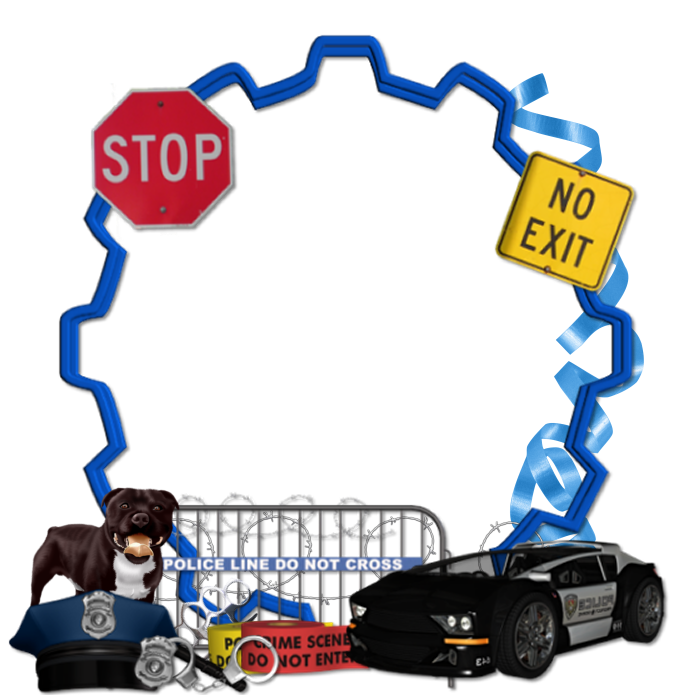
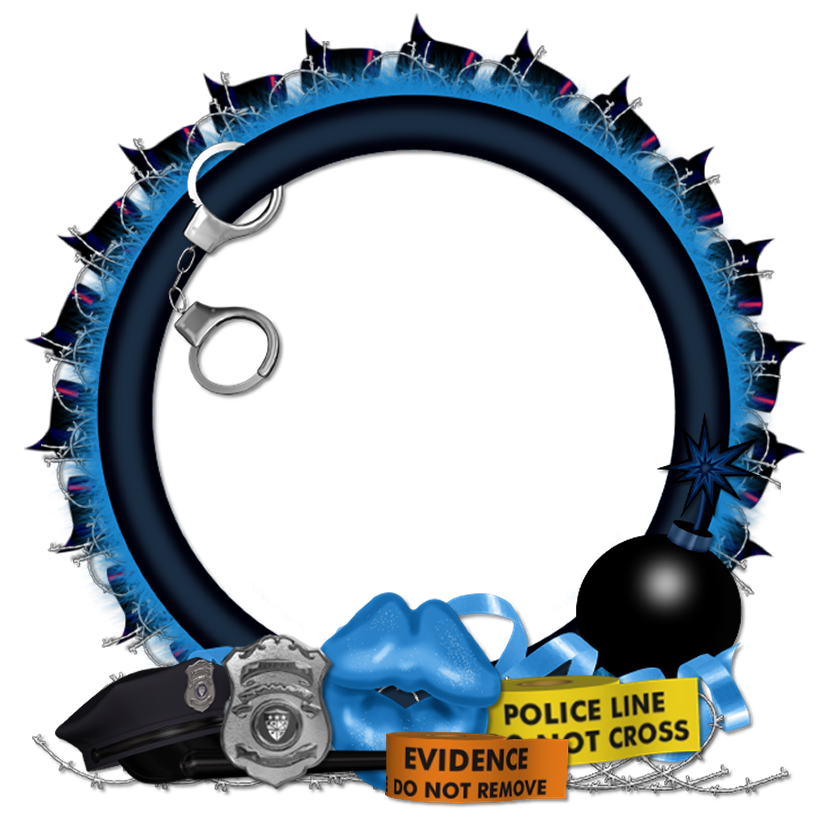
Happy March! I've got a new pair of clusters for you today. These were made from MistyLynn's fun scrap kit "Sexy Officer", which has been retired.
Right click on each cluster below to save it!
Saturday, March 1, 2014

NOTE: you MAY link to this tut. you MAY print it out for later use offline. you MAY NOT claim it as yours or take anything else from it. this tutorial is ©Ruby/Stormlight, written February 27, 2014.
Supplies needed:
-- PSP
-- main tube of choice (I used Mira St. Patty by the awesome Vi Nina. There is also a regular version of Mira available. You can purchase them at S&CO.)
-- scrap kit "Irish Town" by Bibi's Collection. you can also purchase this kit here.
-- the plugins
EyeCandy 4000, MuRa Meister Perspective Tiling and Lokas Gel.
-- Jazzy's "basic" drop shadow setting of 2, 2, 50, 3 and color dark green.
-- gradient of choice. I used a default rainbow gradient that came with PSP.
-- font of choice. I used Faerie.
Let's get creating!
-- Jazzy's "basic" drop shadow setting of 2, 2, 50, 3 and color dark green.
-- gradient of choice. I used a default rainbow gradient that came with PSP.
-- font of choice. I used Faerie.
Let's get creating!
Subscribe to:
Comments
(Atom)
CU licenses